Yesterdays edition of my Mac Week special showcased some cool and clever customized Mac desktops. As I had anticipated, I had a ton of questions about how to customize your Mac desktop in such a manner. So, I quickly got to work on this post that is full of tutorials, apps, and widgets that will let you customize your Mac desktop to your hearts content.
I feel it is worth pointing out that a majority of the really customized desktops are done with a program called GeekTool which you will see later on down the list. All of the tweaks that involve the use of GeekTools have a “GT” beside their title just to help keep things a bit more organized. If you know any other cool apps, scripts, or customization tips, please share them in the comments!
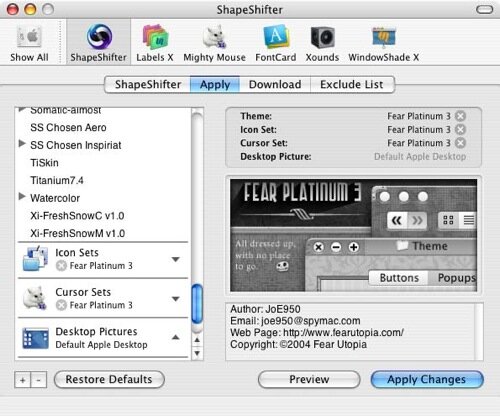
1. Shapeshifter
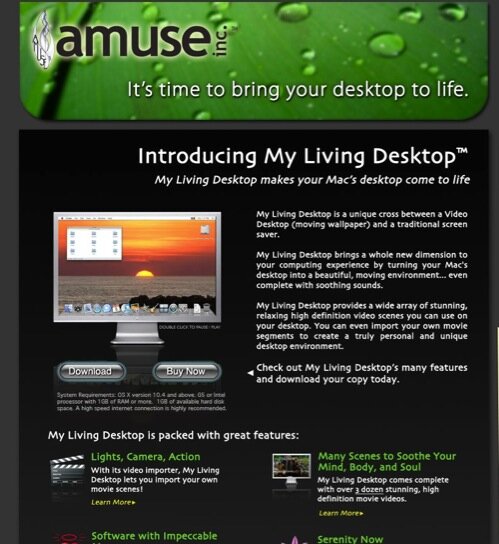
2. Serene Saver
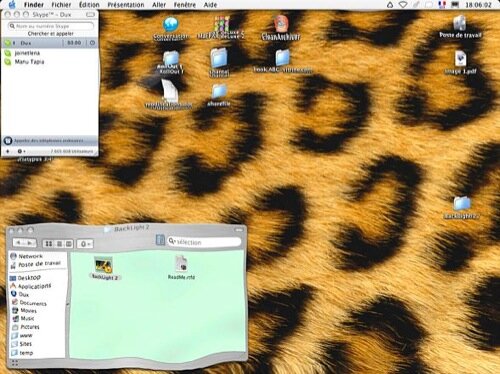
3. Backlight
4. Wallpaper Clocks

5. GeekTool
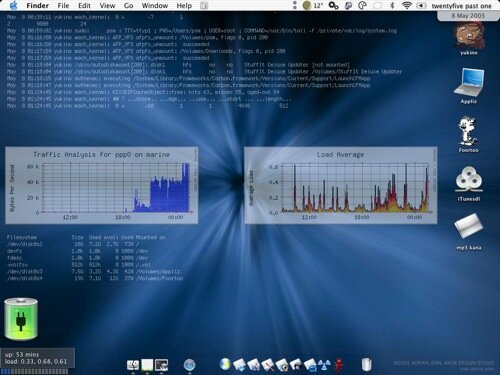
(Tutorial on using GeekTool)
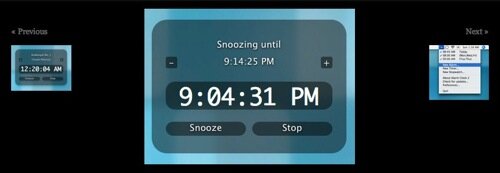
6. Alarm Clock
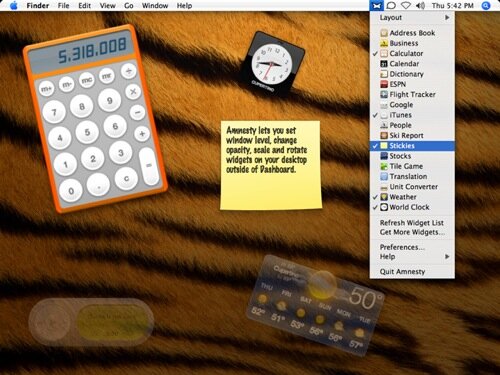
7. Amnesty Widget Browser
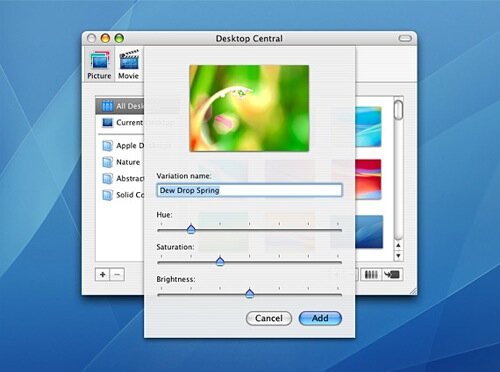
8. Desk Shade
9. Synergy

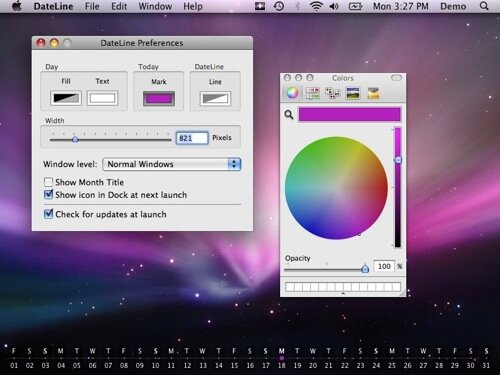
10. Date Line
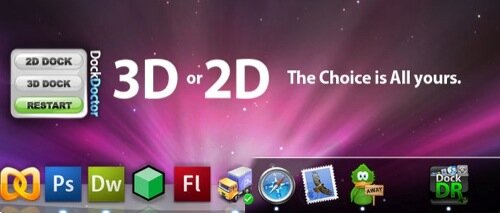
11. Doc Doctor
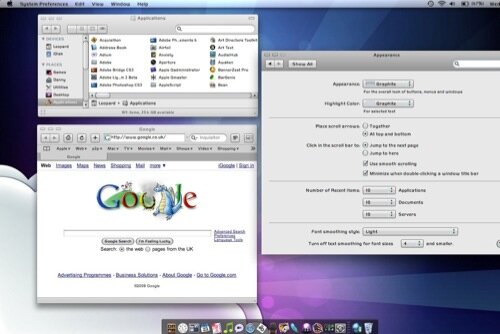
12. Magnifque
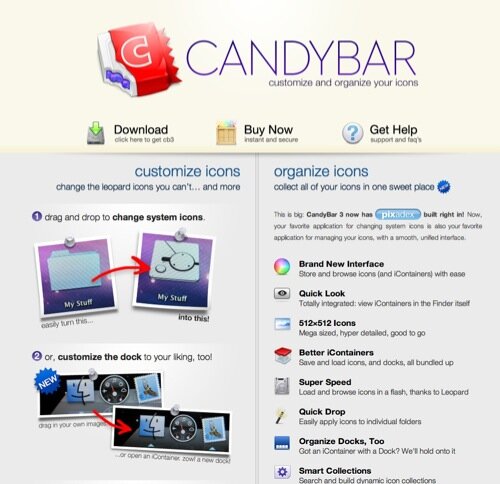
13. Candy Bar App
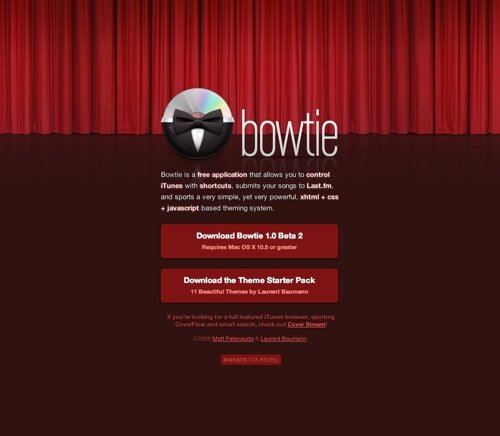
14. Bowtie App
15. Add Current Weather to Your Desktop
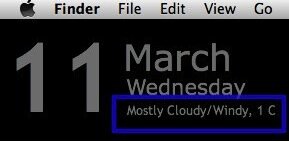
16. GT - Uptime
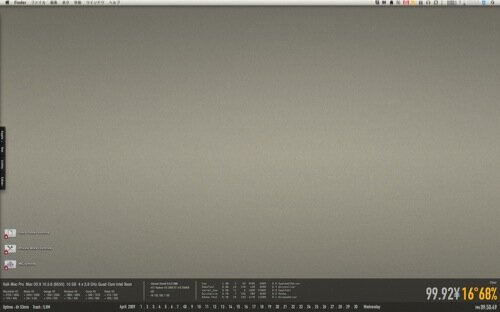
17. GT - World Clock

18. GT - Display Comics

19. GT - Recent Music Playlists
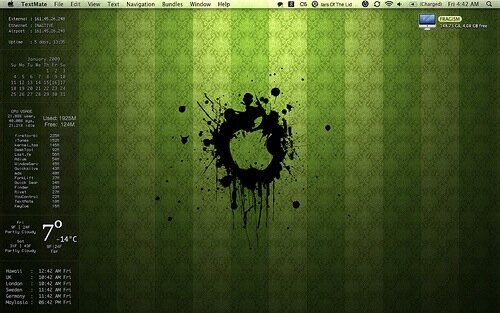
20. GT - Facebook on Your Desktop

21. GT - Scripts for weather and networks
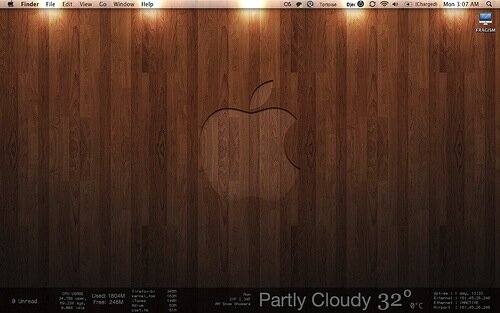
22. GT - Monitor Your Backups
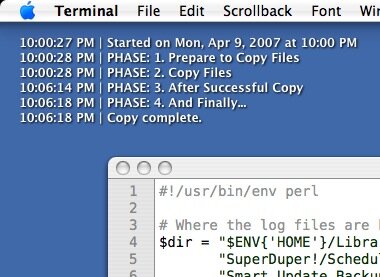
23. GT - Put News on Your Desktop

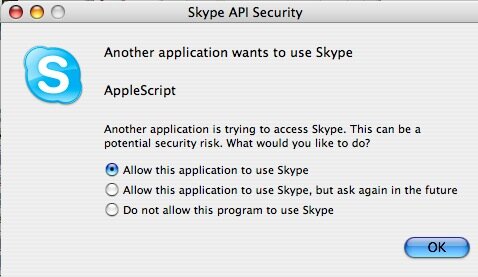
24. Skype Contacts on Your Desktop
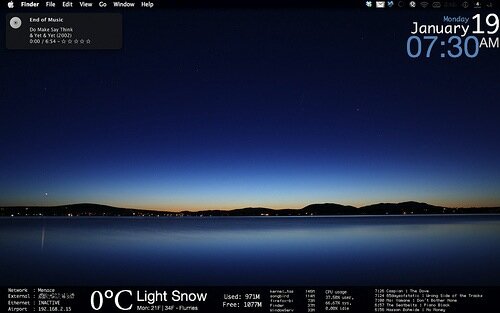
25. GT - RAM, Processes, CPU
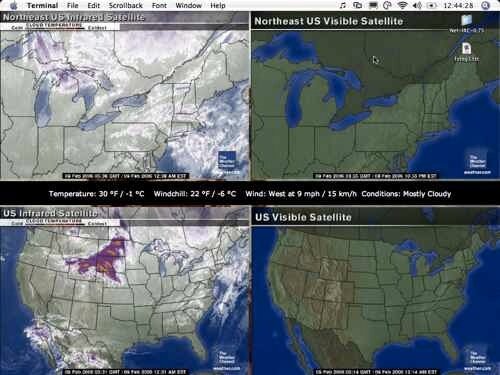
26. GT - Weather Desktop
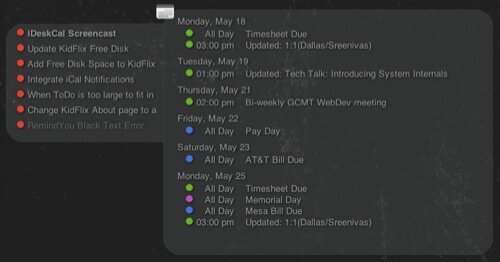
27. iDeskCal
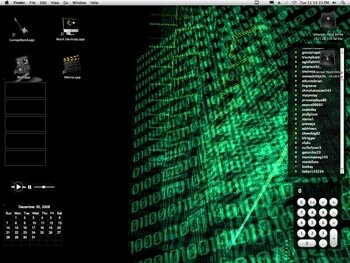
28. Mach Desktop


5 Comments
Great post, thank you!
Awesome list, the apps for desktop are cool. Thanks for this compilation.
LOVE it.
How do I have my name appear at the top of my screen where the time, spotlight, etc., are? Thanks
Thank you, great post
5 Trackbacks
[...] Outlaw Design Blog » 28 Ways to Customize Your Mac Desktopoutlawdesignblog.com [...]
[...] 28 Ways to Customize Your Mac Desktop [...]
[...] Outlaw Design Blog » 28 Ways to Customize Your Mac Desktop Excellent ways to customize that mac desktop! (tags: design wallpaper mods desktop web tools cool osx tool custom web-design macosx apple) [...]
[...] Enlace: 28 Ways to customize your mac desktop [...]
[...] 40 Ways to Deliver Killer Blog Content | chrisbrogan.com 20+ Great Greasemonkey Scripts for Improving Your Twitter Experience 31 Of The Biggest Entrepreneurial Mistakes That You Must Avoid At All Cost 17 Mistakes Start-ups Make « Failures - exposed, reflected upon, considered Ten (More) Ways to Change the World Through Social Media Sustainablog 27 Tips For Optimizing Your Websites Backlinks Five Ways To Market Yourself During A Recession » The Web Blend 52 Professional Website User Interface Photoshop Tutorials | Minervity 10 Professional Looking Free CSS Menu’s | Minervity 10 Ways to Originally Impress Your Clients | Minervity 10 Ways to Speed up Your WordPress Blog | Pro Blog Design How to Be Interesting | Copyblogger 8 Tips for Maintaining a User Friendly Site in One Hour a Month | UX Booth 16 Crucial Webdesign and Usability Best Practice Compilations and Tools | tripwire magazine 30 Must-Have Tweaks For Your Mac | How-To | Smashing Magazine 10 Tips to Create a More Usable Web | Webdesigner Depot 20 Facebook Tips/Tricks You Might Not Know | How-To 24 Essential Submit Button Enhancements | tripwire magazine Outlaw Design Blog » 28 Ways to Customize Your Mac Desktop [...]